
TestFlight live · iOS build 5
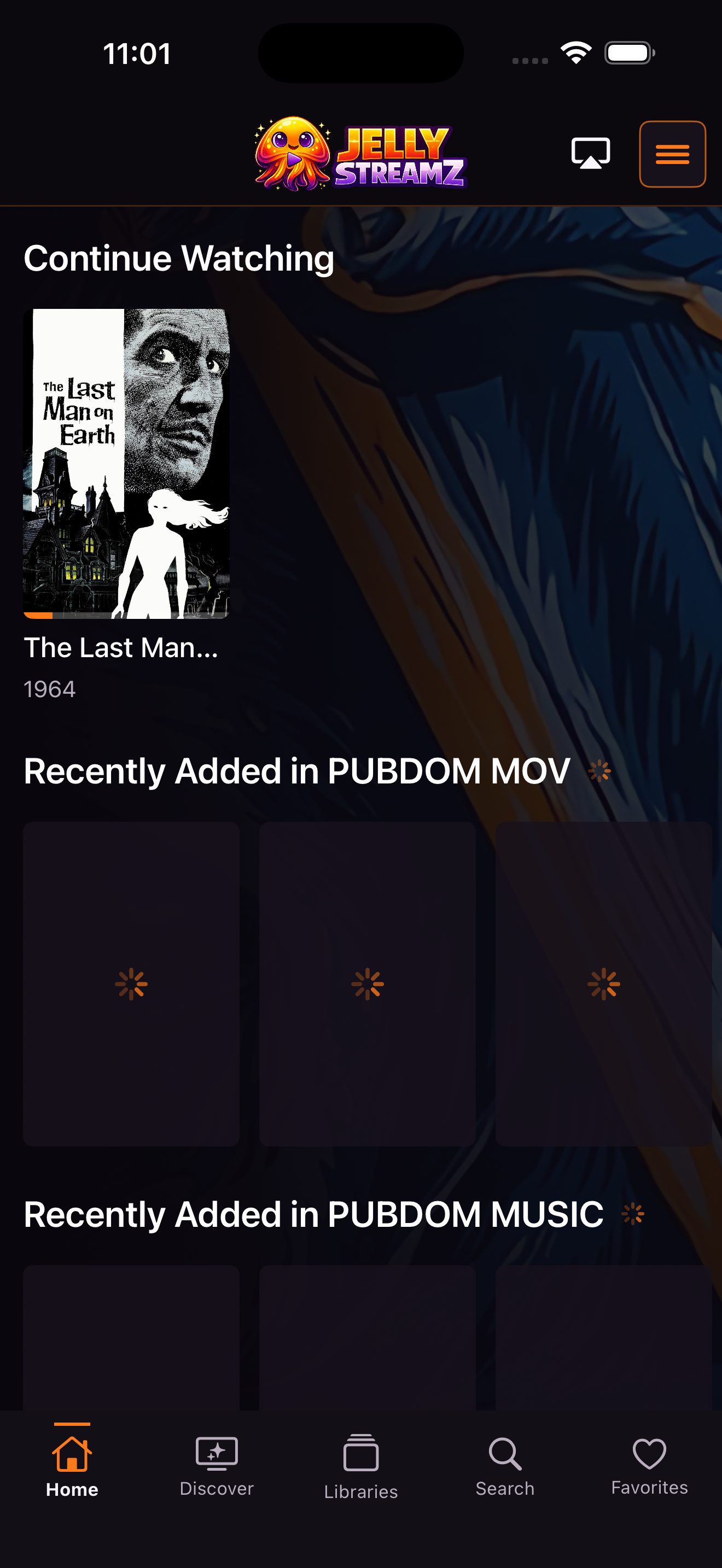
iPhone
Touch-first browsing, downloads, AirPlay, music, movies, television, search, playlists, and full media details.
Join on iPhoneAndroid download. Apple TestFlight live.
Install the public Android preview or join the open TestFlight beta on iPhone, iPad, and Apple TV. JellyStreamz is free on every platform.

One installer adapts to television, phone, and tablet layouts. Android Auto, casting, downloads, and the optional gaming frontend are included where supported.
Download APK 8.6 MB50 tracked Android downloads
Android 8.0 or newer. Sideloading must be enabled on your device.
Direct builds check for signed updates at startup and from Settings. You choose when Android installs them.
Complete Android gallery
These are current captures from the phone, Android TV, NVIDIA Shield, gaming frontend, and Android Auto builds. Open any image for a larger view.
Apple platforms
The native iPhone, iPad, and Apple TV builds are approved for external testing and available now through one open TestFlight invitation.
Touch-first browsing, downloads, AirPlay, music, movies, television, search, playlists, and full media details.
Join on iPhone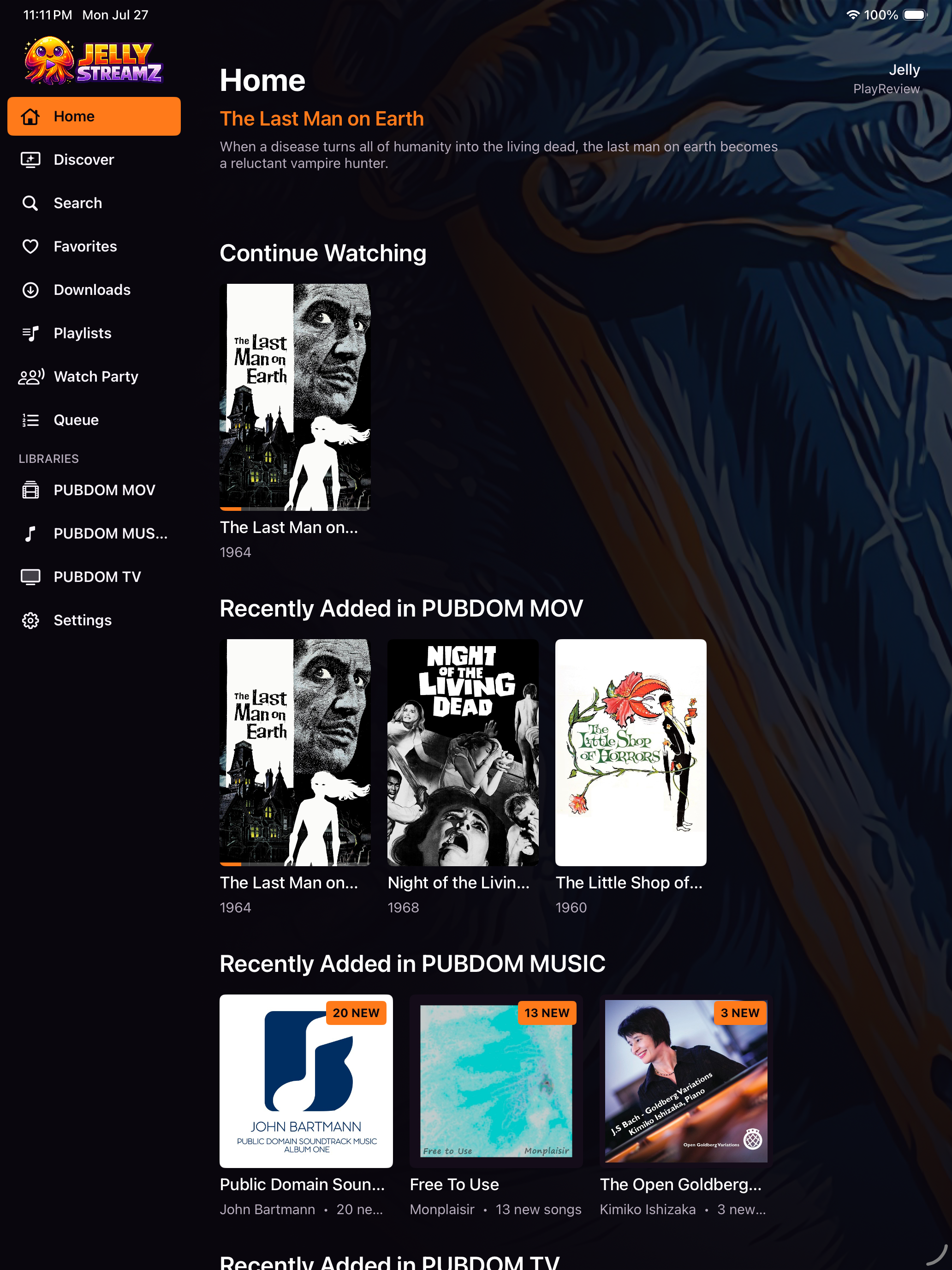
A spacious adaptive library with rich detail views, landscape playback, downloads, and the same Jellyfin profile everywhere.
Join on iPad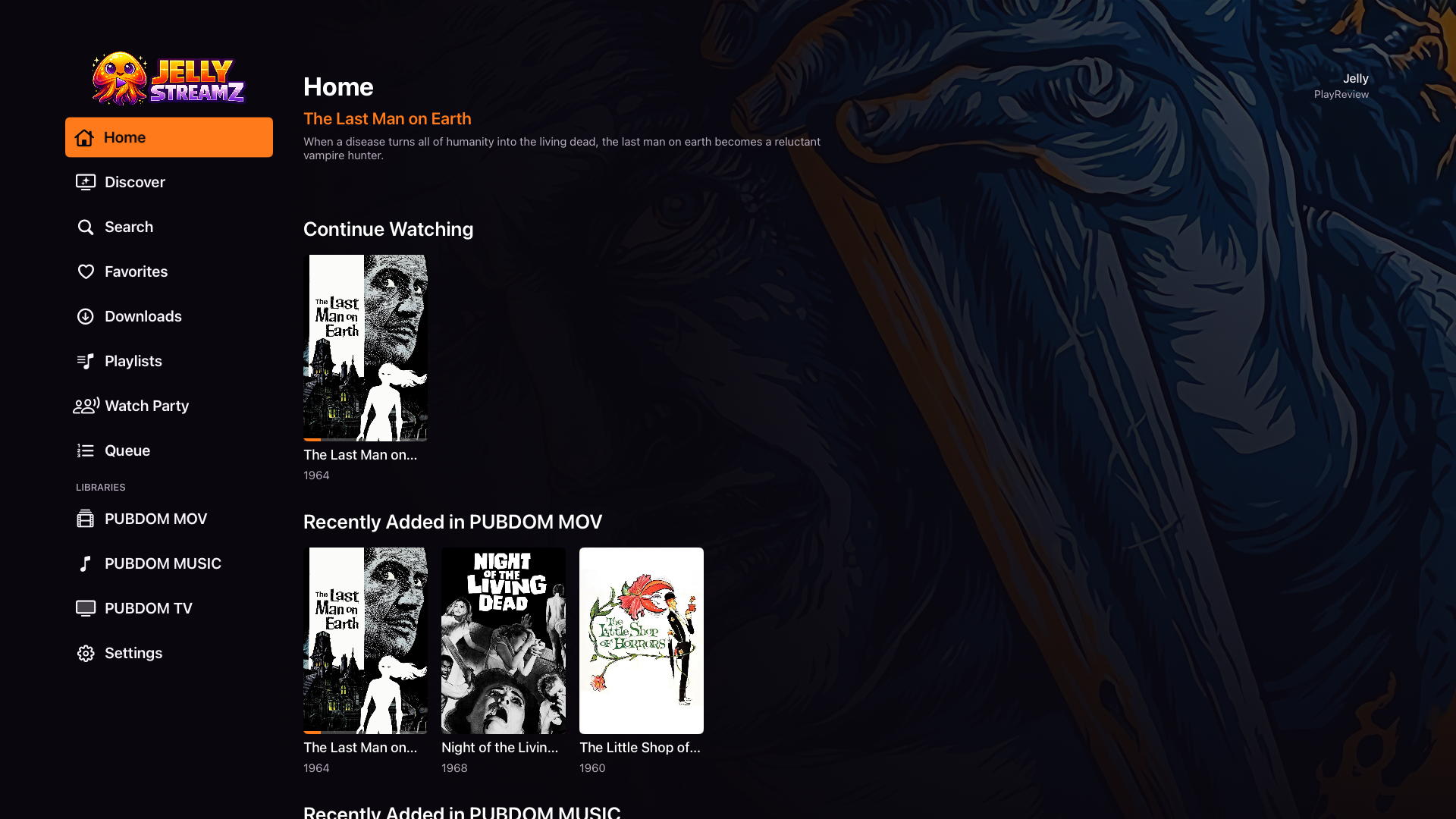
A native focus-driven living-room interface for movies, television, music, favorites, playlists, search, and playback.
Apple TV setupNo email invitation or registered device is needed. The public beta is live for iPhone, iPad, and Apple TV and can welcome up to 10,000 testers.
Join Public TestFlightVisit the public link on iPhone or iPad. Install Apple's free TestFlight app if it is not already on your device.
Tap Accept, then Install to add JellyStreamz. TestFlight will offer future beta updates automatically.
Join the beta first with the Apple ID used by your Apple TV. Install TestFlight on Apple TV, open it, and choose JellyStreamz.
Open JellyStreamz, enter your Jellyfin server address, and sign in with your normal Jellyfin account.
Public testing is active now: iOS build 5 and tvOS build 2 are approved and available through TestFlight.
Gaming availability
The media experience is included in the current Apple builds. The JellyStreamz gaming frontend remains Android-only for now while native Apple support is developed.
Complete Apple gallery
Open any image for a larger view. Each platform keeps its own rail so phone, tablet, and television layouts have room to breathe.
Jellyfin server plugin
JellyStreamz Games scans ROM folders available to Jellyfin, stores selected artwork on the server, and makes each library available to signed-in JellyStreamz clients without putting unusable entries in stock Jellyfin apps.
A short setup
Open this page on your Android device or move the downloaded file to it.
Android may ask permission to install an app from your browser or file manager.
Choose a discovered local server or enter the address you use away from home.
Sign in, pick the profile for this screen, and let your library take over.
Next Apple screens